
Windows 11 is getting a new feature called “Focus Sessions” which is a simple and yet effective productivity system that will stop you from procrastinating or getting distracted, so you can focus on getting your work done.
The Focus Sessions feature is part of the operating system’s native Alarms & Clock app and the idea is simple: set a timer, pick your tasks from Microsoft To Do, select your favourite music, and work until it runs out. You can also take a break and repeat the process in a cycle until your work is over.
By default, the timer is set to a 30-minute work session and it’s long enough that you can stay fully engaged. It seems to be based on the Pomodoro Technique and users can also configure 5-minute breaks, which can give you a chance to check your email without losing focus.
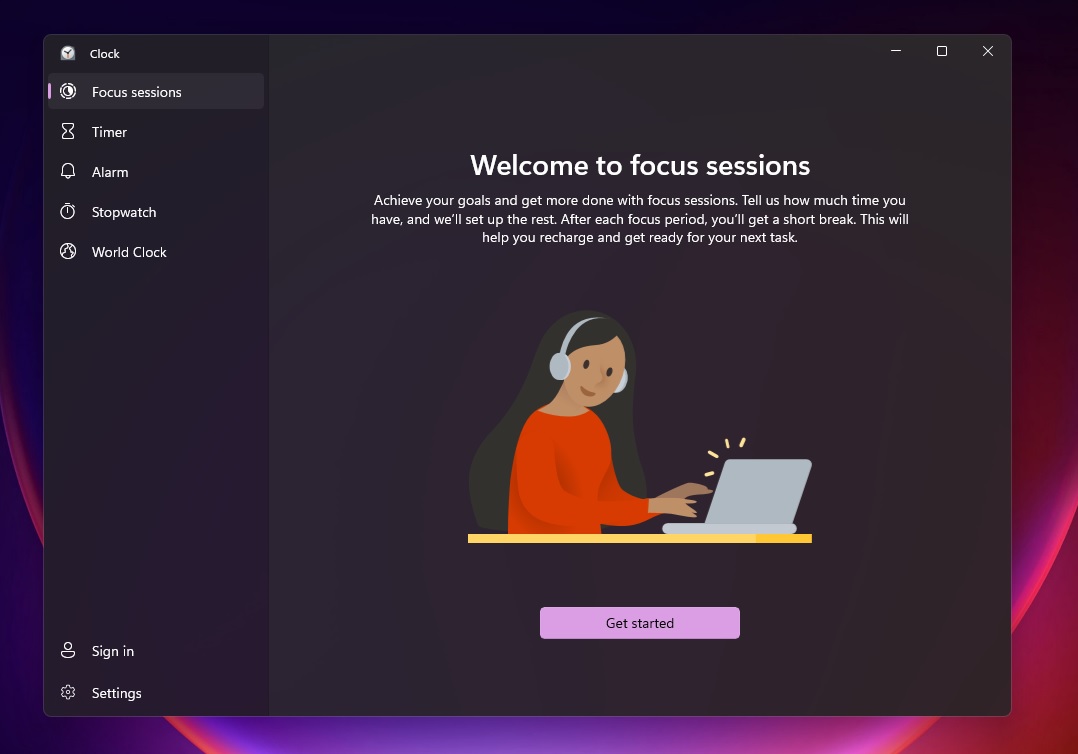
Of course, you can also use a stopwatch or any timer app to keep a track of your time, but a dedicated Focus Sessions feature in Windows 11 will definitely make your life a little easier if you use it properly. It saves you the hassle of configuring third-party apps or accounts.
To get started, you need to pick a task from Microsoft To Do. If a task is not available, you can create one directly from within the Clock app. Once done, tell Microsoft how much time you have, and Windows will set up the rest. You can visit the Clock app’s settings to change the timer duration and enable or disable To Do and Spotify integration.
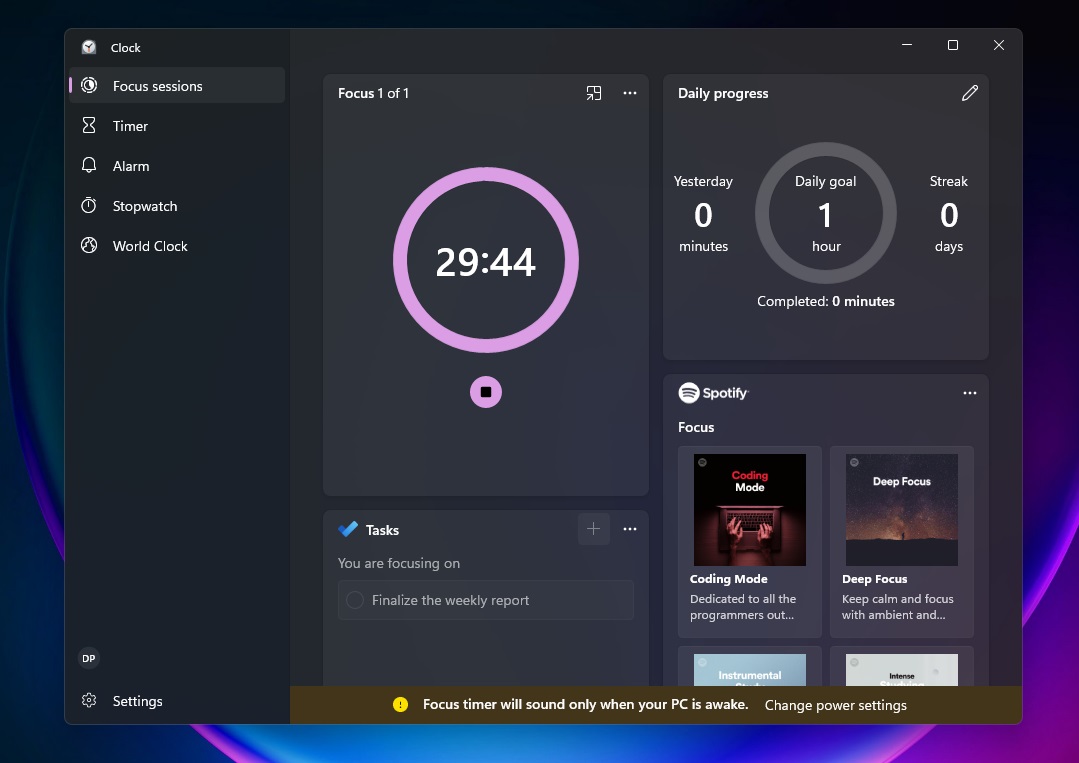
You can also a view summary of your activities and progress in Microsoft’s dashboard which will be synced across your device.
As mentioned, Microsoft has also integrated Spotify functionality into the Clock app and it shows shortcuts to favourite playlists (if you’ve one) and suggestions for popular background relaxing music.
It’s worth noting that the Clock app will not play Spotify music. It will open the Spotify Microsoft Store app in the background and sync the music with the work session.
You can select the playlist and click on “start music” below the timer to play the music in the dedicated Spotify client. If the app is not installed, Microsoft will download and install it for you.
Alongside the new Clock app with Focus Sessions integration, Microsoft has also published Windows 11 Build 22000.160 with several bug fixes and improvements.
The post Hands on with Windows 11’s new productivity feature Focus Sessions appeared first on Windows Latest
Via Windows Latest https://www.windowslatest.com